
 By Scrollsocial
Editing is one of the important things in these social media days. To edit something, we need apps and software. But some of the apps are too costly to buy. So here we bring a free editing apps for you to edit your reels and other videos.
Instagram Reels have transformed the world of Instagram. It has become the winning tool to connect with your audience and build community. Therefore, if your goal is to grow organically, it is the star service to increase your visibility and engagement.
According to a study by Metricool, reels on Instagram get twice the reach and interaction of a traditional post in the feed, which is reason enough for companies to bet on applying it to their marketing strategies and thus help increase awareness of their brand.
All-Time Best Free Editing Apps for Video Editing
The favourite format on Instagram? Short vertical full-screen videos with 15.30 to 60 seconds’ duration are intended to share valuable, entertaining, or inspiring content. In addition, it should be noted that the recommendation algorithm gives it greater relevance.
If you are looking for creative ways to make Instagram Reels, we show you some free editing apps that will help you edit them quickly and easily from your mobile, looking like a professional.
CapCut
It is a powerful free application that allows you to edit short videos in vertical format, available on Android and iOS. It is one of the most downloaded apps in the world since it has a wide variety of functions to surprise followers; among them, you can add sounds and special transitions, incorporate texts, and create subtitles automatically. Furthermore, you can export your videos in 4K and HD quality.
In India, due to some political reasons, CapCut is banned. But most of the people are using it by activating a VPN.
InShot
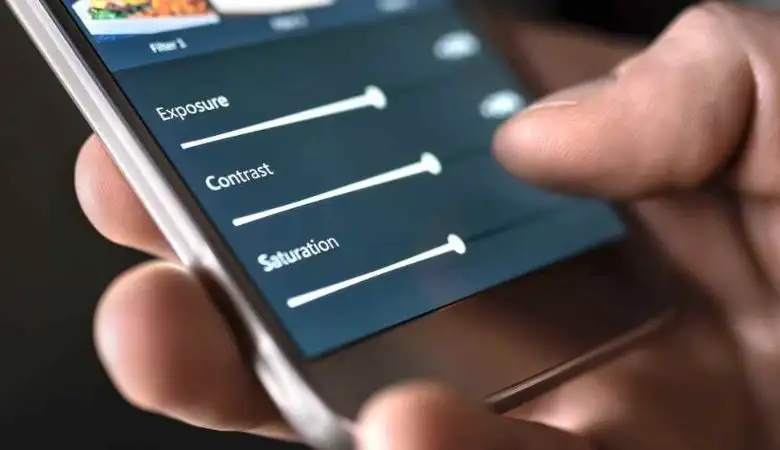
This mobile app is available for Android and iOS and offers extensive features for adjusting Instagram reels. We are talking about one of the most popular apps because it is very practical and easy to use. It has basic tools for video adjustments such as brightness and contrast, cropping and freezing, many filters and sound effects, rewinding clips, animations, and background changes, among others.
Live Cut
It is one of the simplest and most intuitive mobile apps for creating the best Instagram reels. It offers various functions to create high-quality content to surprise users, including trimming video, merging, adjusting speed, and adding music. We can also find it on both iOS and Android.
iMovie
This app is only available for iPhone users and is one of the most advanced in video editing. It is an incredible tool for editing your Instagram reels, offering various professional options to give it a more business style. It allows you to record, edit, and improve the quality of the video.
Splice
Another free app that is only available on the App Store. With it, we can create super attractive Instagram reels. It has professional editing tools that are easy to use and help you get the most out of your videos.
Some of its functions are customized speed, various dynamic transitions, the latest filters and effects, a music library, add narrations, etc.
Video Show
This is a good alternative if you are looking for an effective free app that combines all the necessary settings to create the most creative Instagram reels. Like the previous apps, Video Show is free, and you can find very intriguing functions such as creating animated titles, adding music and sound effects, lip synchronization, speed adjustments, and recording voice-over, among many others. In addition, it provides you with a wide variety of templates that adjust automatically without requiring any changes. In this case, it is available on both Android and iOS.
The official application itself has many tools to be able to create high-quality reels without having to download any mobile application, and it’s free. We can find super creative templates to adjust directly, modify the speed, add music, trendy filters, etc.
With these seven applications, you can improve the results of your Instagram reels and see how engagement improves considerably. Remember to add them into your marketing strategy!
All the above apps are the best and free to use for editing, and they also have an option to get more details by upgrading it by subscribing to its premium charges.